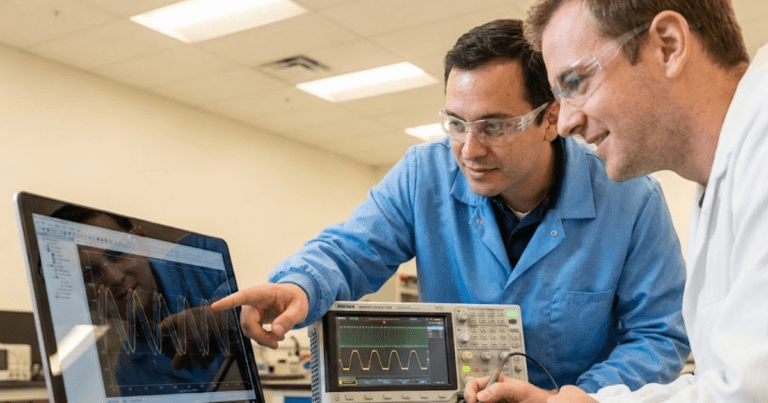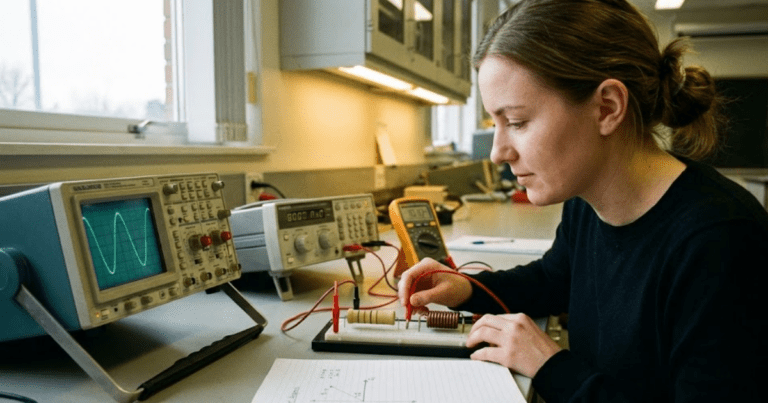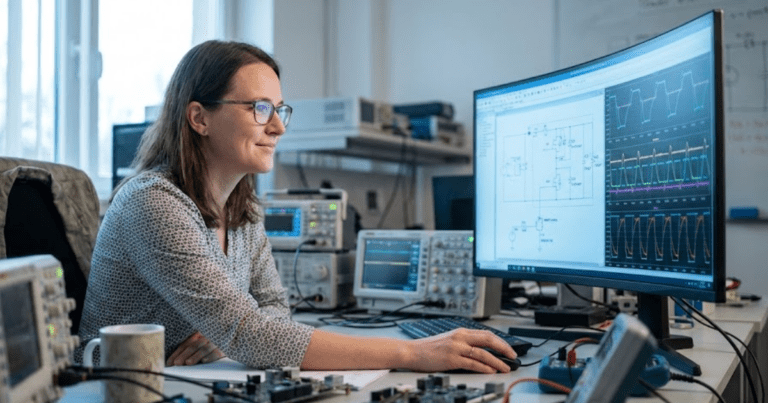

Key takeaways
- Introductory models that are concrete, visual, and grounded in physics help students connect equations to behaviour and build early trust in their own intuition.
- A small, reusable set of introductory models supports core teaching goals across voltage and current basics, transients, three-phase systems, converters, machines, feeders, and protection.
- Carefully structured beginner exercises that focus on one concept at a time help students build modelling confidence while giving instructors clear visibility into where learners struggle.
- Classroom examples and teaching templates that grow from simple circuits to more complex systems create continuity across courses, labs, and early research or project work.
- SPS SOFTWARE provides an education-ready simulation platform that supports introductory models, beginner exercises, and classroom examples within open, physics-based system modelling workflows.
The first teaching models you choose in power engineering can either confuse students or make everything finally click. Early circuits, sources, and machines set the tone for how students picture voltage, current, and power. When those introductory models are concrete, visual, and grounded in physics, learners start to trust their intuition. When they are abstract or overloaded, learners often memorize formulas without really grasping why the system behaves as it does.
Educators and lab leads carry a quiet pressure here, because there is rarely enough time or lab budget to cover everything. You want simple models that still feel authentic to modern grids, converters, and protection schemes. You also need starter models that scale into research projects, hardware-in-the-loop (HIL) experiments, and industry-focused assignments. Choosing a clear set of introductory models gives students that bridge, so they can move from basic exercises to confident system-level reasoning.
How introductory models support early power engineering learning goals
Introductory models act as scaffolding for the mental picture students build of electrical power systems. Instead of starting from large, opaque networks, learners can focus on a few components and see how each equation maps to an observable behaviour. This approach supports learning goals such as interpreting phasor relationships, reading waveforms, and connecting steady-state calculations with time-domain responses. When students see clear cause and effect between parameter changes and simulation output, they start to link theory from lectures with the physical intuition they will need as practising engineers.
Good starter models also reduce cognitive overload, because students can hold the entire system in their head while still encountering realistic details. For example, a basic rectifier or feeder can include harmonics, voltage drop, or saturation effects without burying learners under dozens of parameters. This balance matters for outcomes that stress modelling skills, communication, and engineering judgement as much as pure analysis. When early lab models follow a smooth progression from single-phase circuits to converters and machines, students stay engaged and are more willing to experiment with new configurations on their own.
9 introductory models for teaching power engineering fundamentals

Introductory models for power engineering should feel simple to draw and still be honest to the physics. Each model can spotlight one or two core ideas such as transients, phasors, switching, or protection logic, instead of trying to cover an entire course outline at once. When you treat these configurations as reusable teaching templates, students recognise patterns and gain confidence reusing topologies with new parameters or control strategies. The models described here also work well as classroom examples inside simulation tools, so students can start from a clear base and then extend it step by step.
1. Single-phase resistive load to introduce voltage and current basics
A single-phase source feeding a resistive load is often the first model where students see voltage, current, and power relate cleanly. With a simple sinusoidal source and a resistor, learners can confirm Ohm’s law, inspect phase alignment, and connect phasor diagrams to time-domain waveforms. They can also compute instantaneous power and average power, then verify those values against simulation measurements. This kind of introductory model shows students that equations from lectures are not abstract; they describe exactly what appears on the scope.
From a teaching standpoint, this configuration supports many beginner exercises without much extra setup. Students can vary the resistance, change the source amplitude or frequency, and compare measured values to hand calculations. You can ask them to compute current and power for several operating points, then check results directly in the simulation tool. As they repeat these steps, learners become comfortable wiring sources, loads, and measurement blocks, which makes more complex circuits feel far less intimidating later.
2. Resistor–capacitor and resistor–inductor circuits for building confidence with transient response
Resistor–capacitor (RC) and resistor–inductor (RL) circuits give students a safe place to practise transient concepts before they meet large power systems. A simple step in voltage or current produces the exponential charging or decaying behaviour they have seen in differential equations. Students can measure time constants, compare analytical solutions with simulation plots, and see how component values affect transient duration. This experience makes “transient response” feel like a concrete pattern instead of a purely mathematical topic.
In the simulation tool, you can ask learners to sweep resistance or capacitance and record how the time constant changes. They can apply different types of inputs, such as steps, ramps, or pulse trains, and document how the waveforms respond. RC and RL circuits are also a gentle introduction to numerical issues like step size and simulation time, since poorly chosen settings can distort the expected response. Once students trust their understanding of these basic transients, they approach switching converters and machine models with much more confidence.
3. Three-phase balanced source feeding a simple load model
A three-phase balanced source with a simple load is often the first time students see how their single-phase intuition extends to practical power systems. With a balanced three-phase voltage source feeding a resistive or impedance load, they can inspect line-to-line and phase voltages, currents, and power. This model reinforces symmetry, phasor relationships, and the way power remains constant over time in a balanced situation. Learners also see how single-line diagrams relate to full three-phase representations in the simulation.
For exercises, you can ask students to compare star and delta connections for both loads and sources. They can calculate expected line currents and powers, then verify those values against simulation results across several loading conditions. The same model can be gently extended by introducing a small imbalance or harmonics, allowing advanced groups to ask richer questions without starting from a new file. Using this configuration early helps students read three-phase plots comfortably, which pays off later for machines, converters, and feeders.
4. Ideal transformer model for studying flux, turns ratio, and scaling
An ideal transformer model helps students understand how voltage and current scale between windings and why that matters for system design. With a simplified representation that ignores losses and magnetizing current at first, learners can focus on the turns ratio and basic flux relationships. They can apply a single-phase source, connect different loads on the secondary side, and check how the reflected impedance looks from the primary. This direct connection between algebraic ratios and simulation measurements supports a strong conceptual foundation.
In teaching exercises, you might start with unloaded and fully loaded cases, then introduce partial loading and short-circuit conditions. Students can compute expected primary current from the secondary load and compare it with simulation values for several turns ratios. The model also supports discussion of per-unit quantities and how transformers help manage voltage levels across networks. Once learners grasp the ideal case, you can add realistic effects such as copper loss or magnetizing branches, showing how those refinements change behaviour without discarding the core idea.
“Beginner exercises are often where students decide whether power engineering feels approachable or intimidating.”
5. Diode bridge rectifier model for teaching converter fundamentals
A single-phase diode bridge rectifier introduces students to power electronics, non-linear conduction, and the link between alternating current (AC) and direct current (DC). With a simple transformer or source feeding a full-bridge diode arrangement and a resistive or resistive–capacitive load, learners can see how the output voltage waveform looks and how ripple appears. They can distinguish between average, root-mean-square (RMS), and peak values, then relate those values to component ratings. This model also prepares students for discussions about harmonics and power quality.
As a beginner exercise, you can ask students to vary the load, add a smoothing capacitor, and observe how ripple and current waveforms change. They can compute theoretical average DC voltage for a given AC input and compare it with simulated values under different loading conditions. The rectifier configuration also invites questions about diode conduction intervals, reverse-recovery assumptions, and the impact of transformer leakage inductance if you later introduce non-ideal elements. Because this model shows both the electrical and waveform consequences of switching, it forms a natural bridge to more advanced converters.
6. Direct current buck converter with open control for waveform reasoning
A direct current (DC) buck converter with open-loop control lets students relate duty cycle, inductor current, and output voltage in a very visual way. Starting with a DC source, a controlled switch, a diode, an inductor, and a capacitor, learners can see how the converter steps voltage down based on switching patterns. They can apply a basic pulse-width modulation (PWM) signal with a fixed duty cycle and compare theoretical average output voltage with simulation results. This teaches the connection between ideal duty-cycle formulas and the ripple they actually observe.
For structured exercises, you might ask students to vary duty cycle and switching frequency while keeping the load constant, then record how current and voltage ripple respond. They can also explore continuous and discontinuous conduction modes by changing inductance or load, documenting what happens to the inductor current waveform. These experiments help learners practise probing multiple nodes, configuring measurement blocks, and annotating plots with key operating points. When students later encounter closed-loop control or more complex converter topologies, they already understand the waveform stories underneath.
7. Synchronous generator model with simplified mechanical input
A synchronous generator model with a simplified mechanical input introduces the link between mechanical and electrical power. Students can set a mechanical torque or speed input and see how it affects terminal voltage, current, and power for different loading conditions. They start to understand concepts such as power angle, frequency, and the relationship between excitation and output. This model also opens the door to discussions about stability, but in a context that still feels manageable for early learners.
Teaching exercises can begin with a generator connected to a simple infinite bus or a defined three-phase load. Students can vary mechanical torque and monitor electrical power and frequency response, noting how the system reacts when loading changes quickly. They can also compare constant-voltage and constant-power scenarios, relating simulation behaviour to operating points they have studied in lectures. Once they are comfortable, you can introduce basic control elements for voltage regulation, making a clear link between physical machines and higher-level control design.
8. Simple feeder model for exploring voltage drop and power flow
A simple radial feeder model helps students see how power flows along a line and why voltage drops under load. With a source at one end, a line represented by series impedance, and one or more lumped loads, learners can visualize voltage magnitude and angle at each bus. They discover how both resistance and reactance influence voltage profiles and current levels. This gives substance to concepts like power factor, line loading, and thermal limits that might otherwise feel abstract.
Exercises can invite students to vary load levels along the feeder, compare lightly loaded and heavily loaded cases, and compute expected voltage drops from basic formulas. They can also try adding distributed generation at a downstream node to see how it affects local voltages and upstream flows. The same model can support both steady-state and time-domain studies by switching between phasor-based and electromagnetic transient representations. As students grow more comfortable, you can extend the feeder with additional branches, taps, or basic protection devices, while still keeping the underlying structure recognisable.
9. Overcurrent protection relay logic to introduce coordination concepts
An overcurrent protection relay model introduces learners to protection concepts and the logic that guards equipment. With a simple feeder and two or three protective devices, students can see how pickup currents and time–current curves affect tripping behaviour. They start to understand the tradeoff between sensitivity and security, and why coordination across multiple devices matters. This model turns protection settings from numbers on a sheet into behaviours they can watch in the time traces.
In guided work, students can simulate faults at different locations and observe which device trips first under various settings. They can adjust pickup values and time dial settings, then verify coordination by plotting trip times as a function of fault current. You can also stage scenarios where miscoordination causes unnecessary outages, prompting students to correct settings and justify their choices. Through this process, protection stops being an afterthought and becomes a clear part of how they think about system design.
Summary of introductory models
| # | Model | Teaching focus | Typical beginner exercise |
| 1 | Single-phase resistive load | Voltage, current, power basics | Sweep resistance and compare calculated and measured power |
| 2 | Resistor–capacitor and resistor–inductor circuits | Transient response and time constants | Change component values and measure time constants |
| 3 | Three-phase balanced source with simple load | Phasors, three-phase symmetry, power calculations | Compare star and delta connections for loads and sources |
| 4 | Ideal transformer | Turns ratio, impedance reflection, scaling | Analyse unloaded, loaded, and short-circuit cases |
| 5 | Diode bridge rectifier | AC to DC conversion, ripple, harmonics | Add smoothing capacitor and study ripple versus load |
| 6 | Direct current buck converter with open control | Switching, duty cycle, ripple, conduction modes | Vary duty cycle and frequency while tracking output voltage and inductor current |
| 7 | Synchronous generator with simplified mechanical input | Mechanical–electrical power link, basic stability | Step mechanical torque and observe electrical power and frequency |
| 8 | Simple feeder | Voltage drop, power flow, impact of loading | Change load distribution and examine voltage profiles along the line |
| 9 | Overcurrent protection relay logic | Coordination concepts, protection behaviour | Adjust relay settings and verify correct tripping sequence under different fault cases |
A core set of starter configurations gives students a gentle climb from basic voltage–current relationships to converters, machines, feeders, and protection logic. Each configuration can be reused across multiple weeks by adjusting only a few parameters or measurement targets, which helps students focus on physics instead of tool settings. Because the same templates connect naturally to later projects and internships, learners also see why introductory work with simple models deserves careful attention and practice. When you structure your lab programme around clear introductory models, the teaching team gains a predictable rhythm that supports both early confidence and long-term mastery.
“When those introductory models are concrete, visual, and grounded in physics, learners start to trust their intuition.”
How beginner exercises help students build modelling confidence
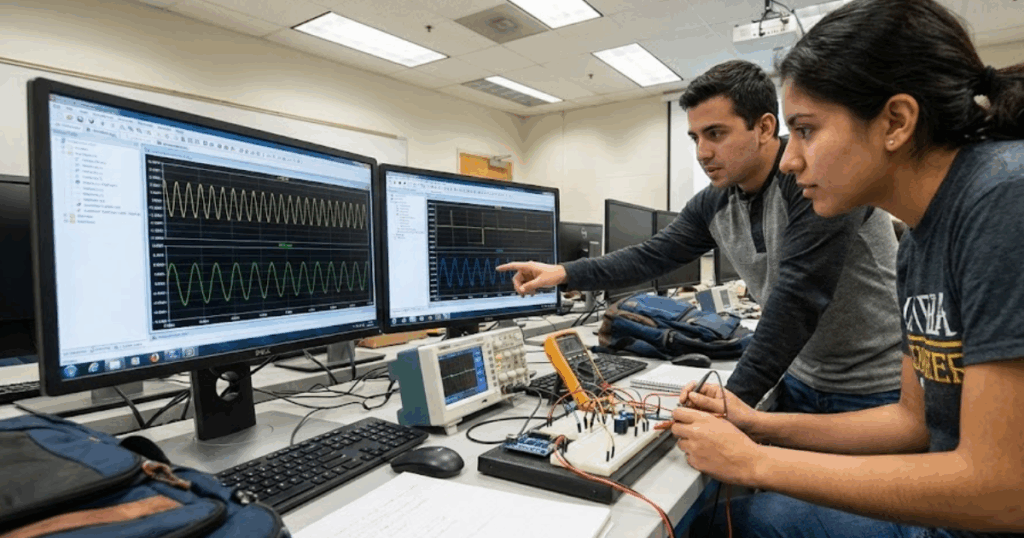
Beginner exercises are often where students decide whether power engineering feels approachable or intimidating. Short, focused tasks let learners practise the modelling moves they will repeat throughout their studies, such as wiring blocks, configuring sources, and setting measurement probes. When you pitch these tasks at the right level, students stay curious instead of worrying about every possible mistake. Carefully designed beginner exercises also give teaching assistants and lab instructors a common reference, so feedback remains consistent across sections and semesters.
- Clear scope per task: A single exercise asks students to focus on one concept, such as steady-state power or transient behaviour, instead of mixing several new topics at once. This helps learners feel a sense of completion and reduces frustration when they review their results later.
- Repetition with slight variation: Students repeat a familiar topology, such as a single-phase source feeding a new load, while changing only one parameter range or measurement focus. This pattern strengthens muscle memory in the simulation tool and prepares them to extend introductory models without fear.
- Immediate visual feedback: Tasks encourage students to inspect waveforms, phasors, or numeric logs right after running a case, instead of just checking an answer key. Students start to read plots as narratives about system behaviour, which is a key modelling skill.
- Built-in scaffolding for reports: Each exercise hints at simple plots, tables, or comparisons students can reuse in later lab reports and design projects. This makes documentation feel less like an extra chore and more like a natural extension of the simulation work.
- Space for exploration marks: Grading schemes reward students who test an extra operating point or save an alternate solution file, even if the rubric only formally asks for one case. This invites experimentation and lets instructors showcase creative attempts during review sessions.
- Alignment with assessment goals: Exercises are mapped directly to course outcomes such as power-factor correction, short-circuit analysis, or converter efficiency, so both staff and students know why each task matters. Clear alignment reduces confusion about grading and strengthens the link between introductory work and later exams or capstone projects.
When these patterns show up consistently throughout a course, students start to recognise that modelling is a learnable craft instead of a mysterious talent. They develop habits such as saving labelled versions of each model, annotating waveforms, and checking units, which carry into internships and early career roles. Educators gain a clearer view of where students struggle, since each beginner exercise maps tightly to one or two skills instead of many at once. Over time, this steady structure produces cohorts of learners who feel comfortable opening new models, modifying parameters, and trusting the simulation results they obtain.
How SPS SOFTWARE supports clear teaching templates and classroom examples
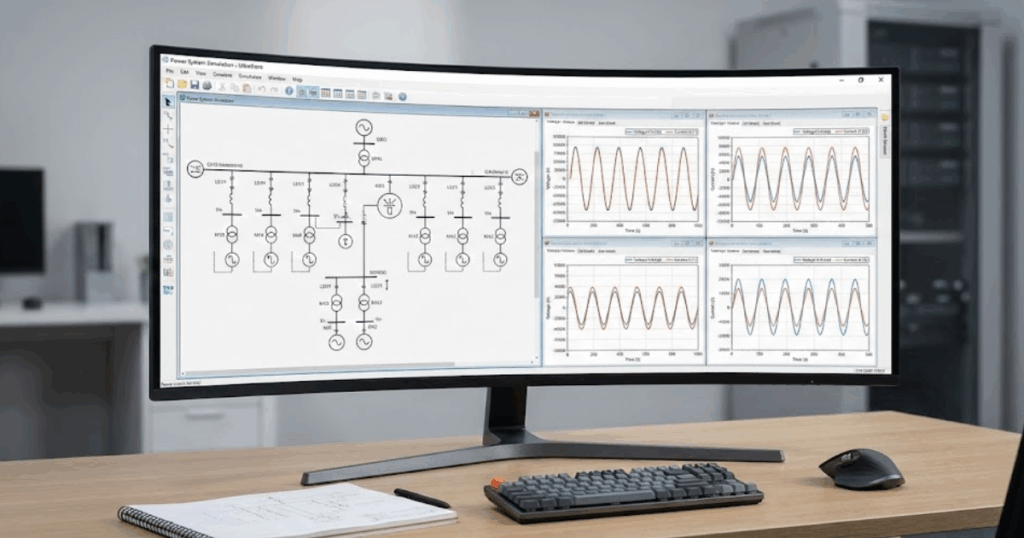
SPS SOFTWARE gives educators and lab managers a consistent simulation platform for introducing, refining, and reusing teaching templates. The platform builds on a Simulink native workflow for modelling electrical power systems and power electronics, so it fits naturally into existing MATLAB and Simulink based curricula where students already complete control and signal-processing assignments. Users can draw on libraries that cover machines, converters, grids, loads, protections, and controls, which makes it straightforward to instantiate each of the introductory models described earlier without resorting to opaque black-box blocks. Because SPS SOFTWARE retains continuity with legacy SimPowerSystems projects while aligning with current MATLAB releases, institutions avoid dual toolchains and can modernise teaching material without starting from a blank slate.
For academic staff, another strength lies in the open, physics-based component models, which students can inspect, modify, and relate to equations from lectures instead of treating them as hidden code. SPS SOFTWARE materials include example models, tutorials, and technical references that support course design, thesis supervision, and self-guided learning, so departments can standardise on a shared set of classroom examples across several courses. When educators feel confident that their simulation platform will track ongoing MATLAB and Simulink updates, they can focus more energy on improving pedagogy, assessment quality, and lab safety rather than chasing version conflicts. These factors help SPS SOFTWARE stand as a trusted modelling companion for institutions that care about clarity, reproducibility, and long-term credibility in power engineering education.