


































SPS Software is used by engineers, researchers, and educators designing and testing electrical power systems and power electronics. It provides accurate, open component libraries for machines, converters, grids, and control systems within one modelling environment. From academic labs to industrial testbeds, SPS Software helps you explore concepts, verify control logic, and prepare for hardware validation.
Academic users rely on it to create practical teaching material and publish reproducible research. Industry teams use it to study renewables integration, optimize converter designs, and evaluate protection schemes. SPS Software is suited to anyone who needs precision, clarity, and flexibility when simulating electrical and control systems.
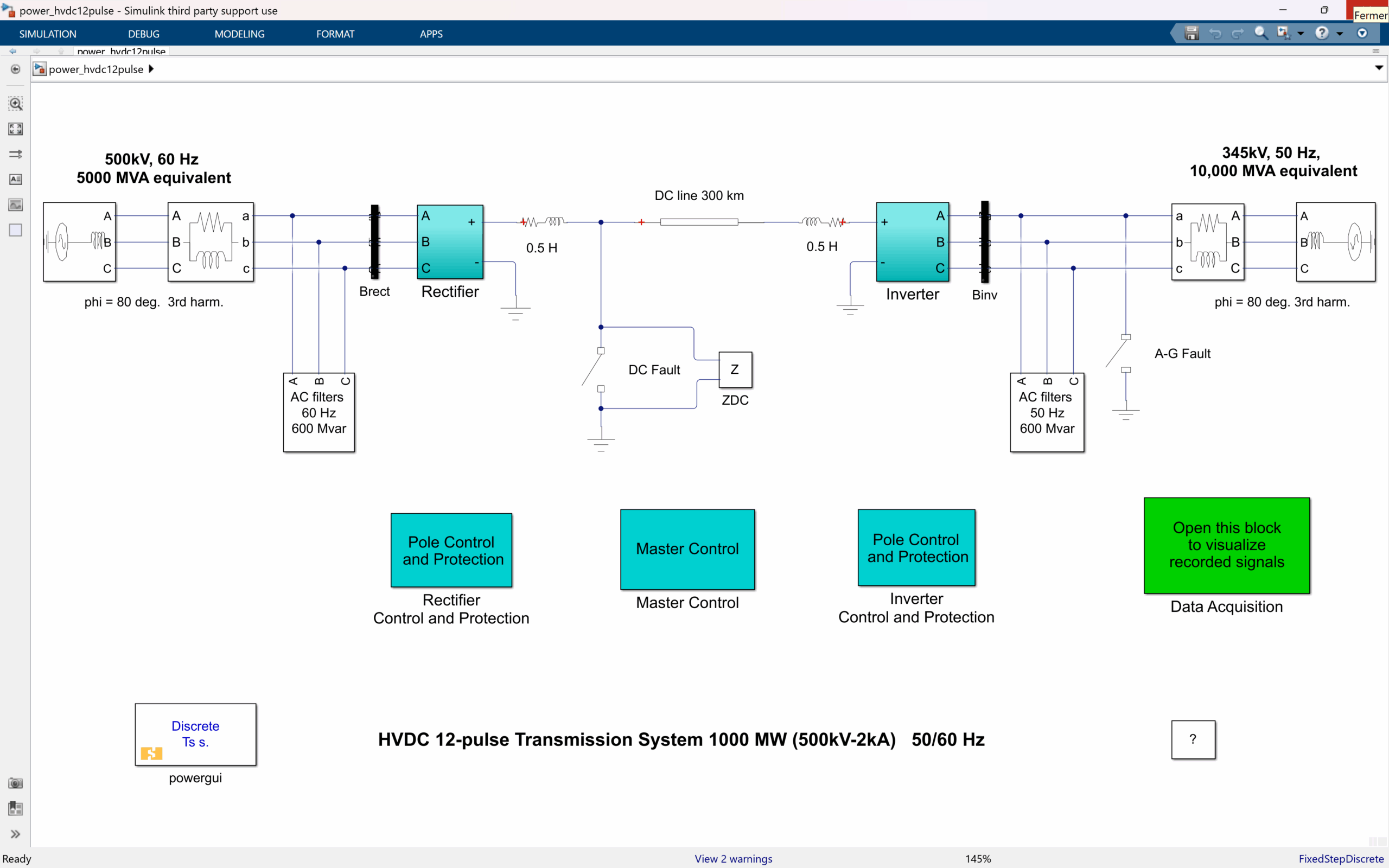
Simulates a 1000 MW HVDC link using dual 12-pulse converters. Includes smoothing reactors, harmonic filters, and DC protection for reliable long-distance power transfer.

Models 60 Hz–50 Hz power conversion using a diode rectifier and PWM inverter. Ideal for studying inverter switching and frequency conversion in medium-power systems.

Represents the inverter stage of a 50 kW microturbine system with SPWM control and LC filtering. Analyze harmonics and voltage regulation in distributed energy setups.
Demonstrates a 3.5 kW grid-connected PV system with MPPT control and LCL filtering. Evaluate solar irradiance, temperature, and power-quality performance dynamically.

Highlights a modular five-cell converter delivering low-distortion AC power. Explore harmonic suppression and waveform stacking for high-performance designs.
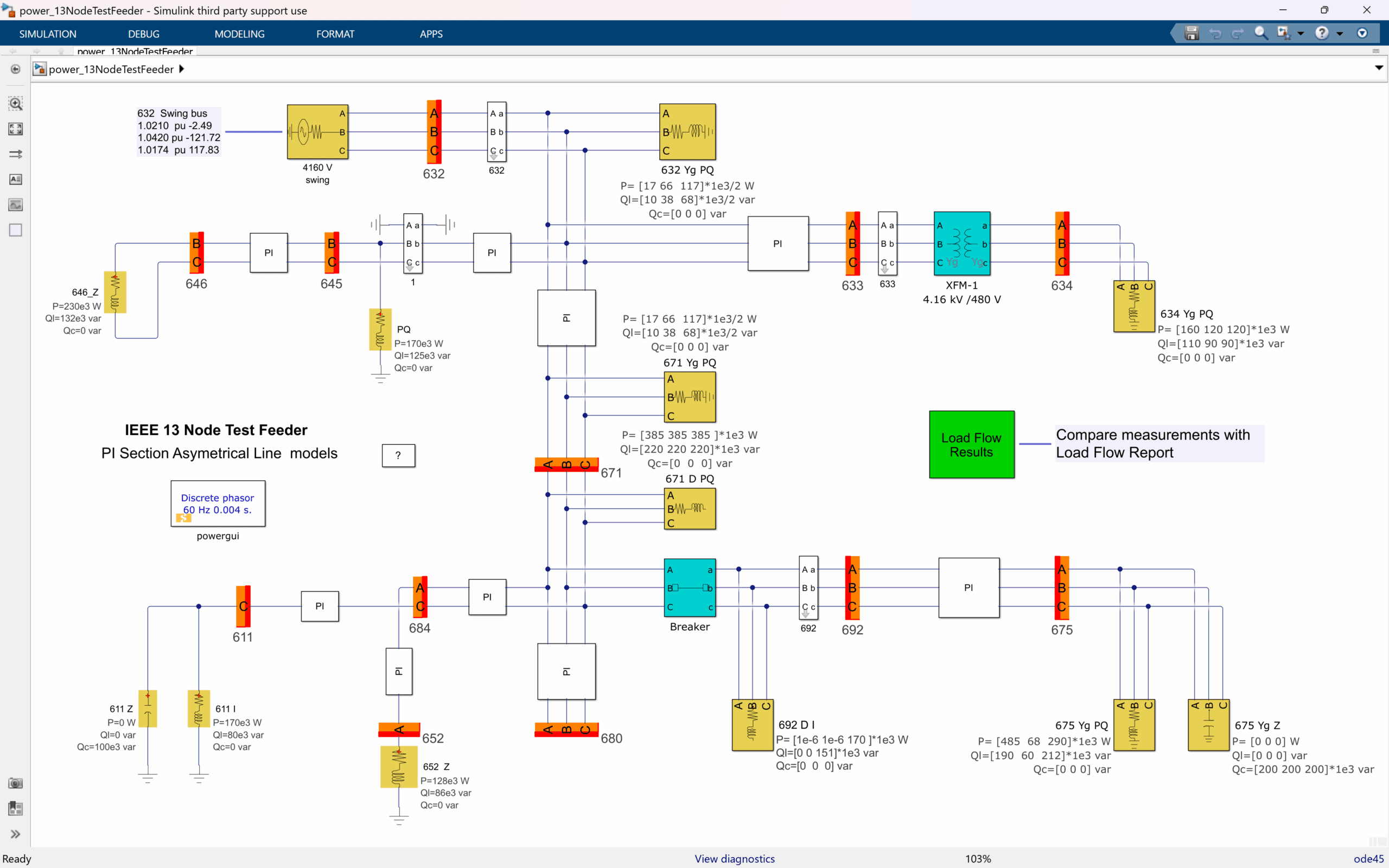
Performs unbalanced load-flow analysis across 13 buses. Observe phase voltages and steady-state initialization for accurate distribution grid modeling.

Models a 735 kV network with hydro and wind generation. Study renewable integration, compensation, and transient response under large-scale faults.
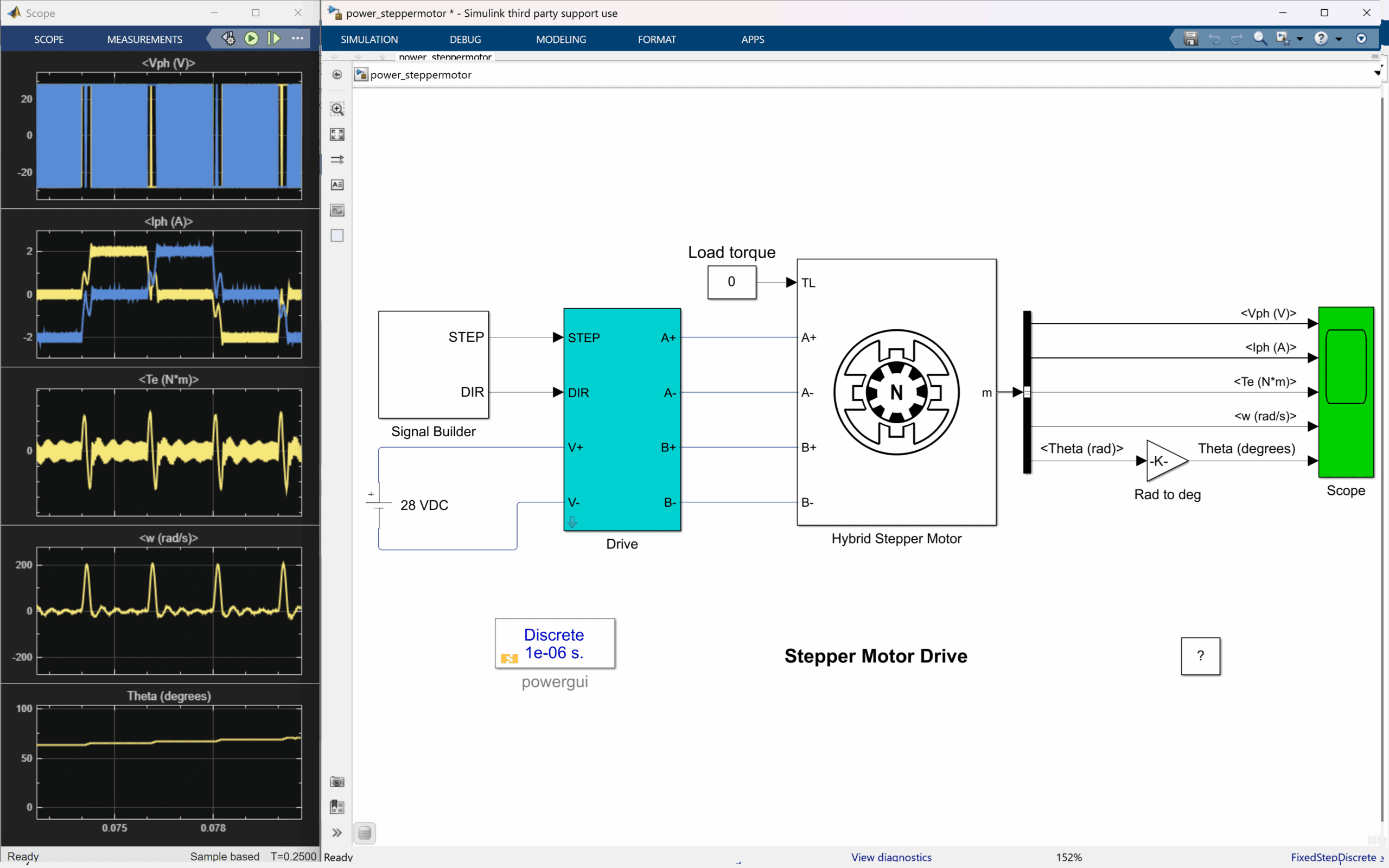
Simulates a hybrid two-phase stepper motor using MOSFET H-bridges. Analyze current control, ripple, and motion precision for automation systems.
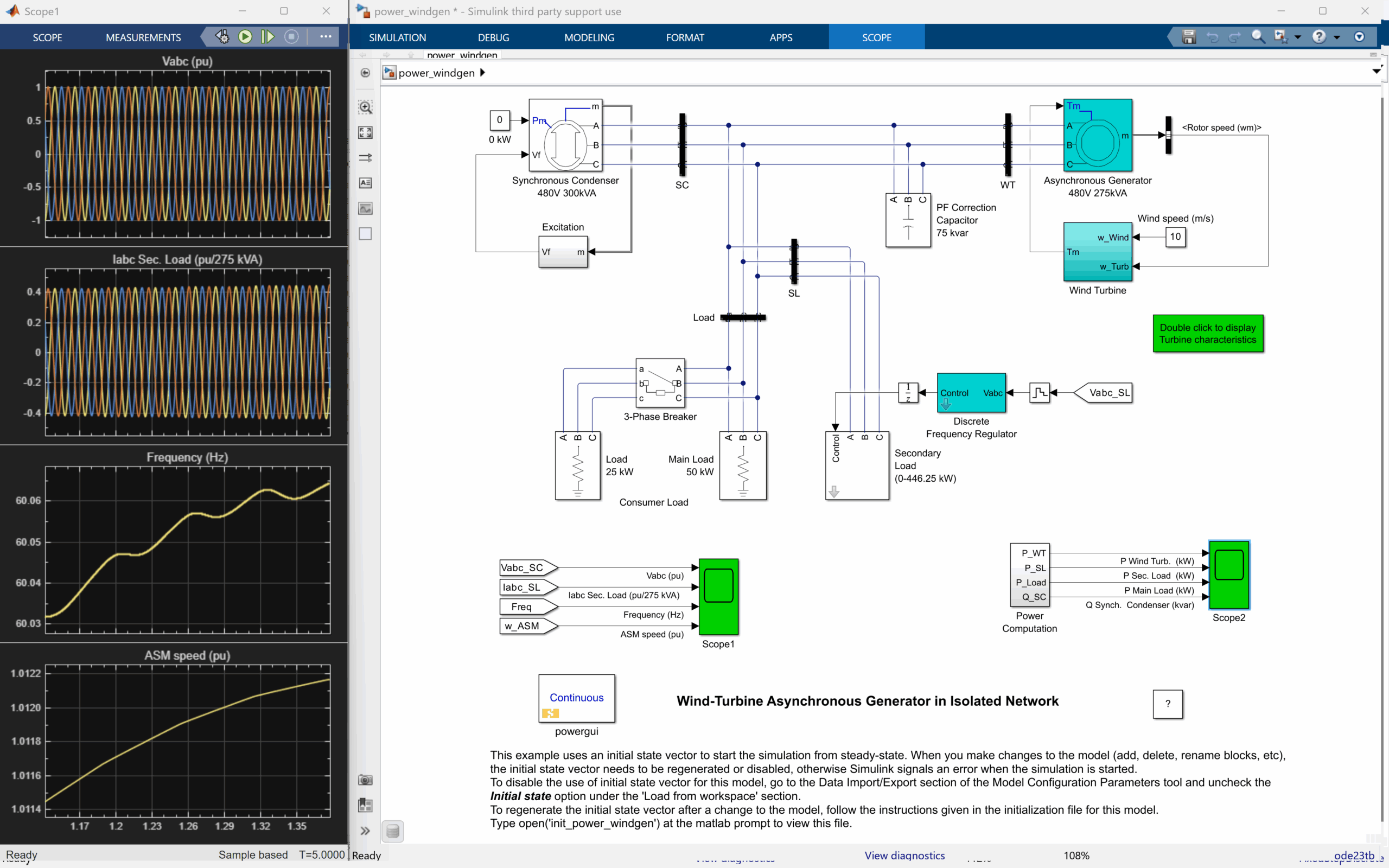
Models a high-penetration wind-diesel network for remote grids. Study load balancing, voltage regulation, and seamless transitions between sources.
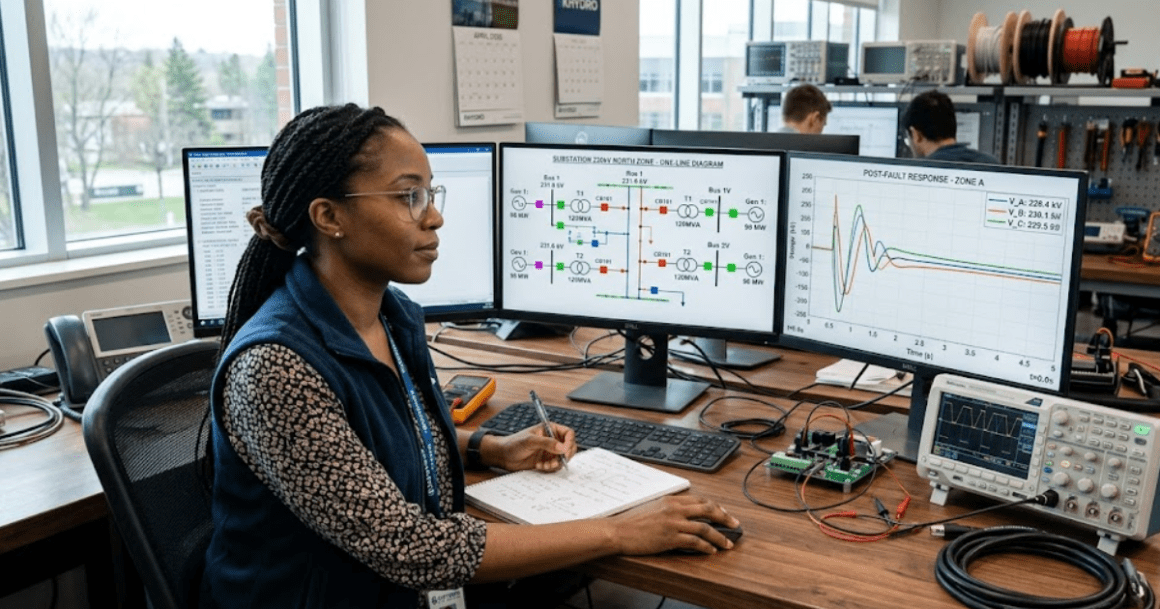
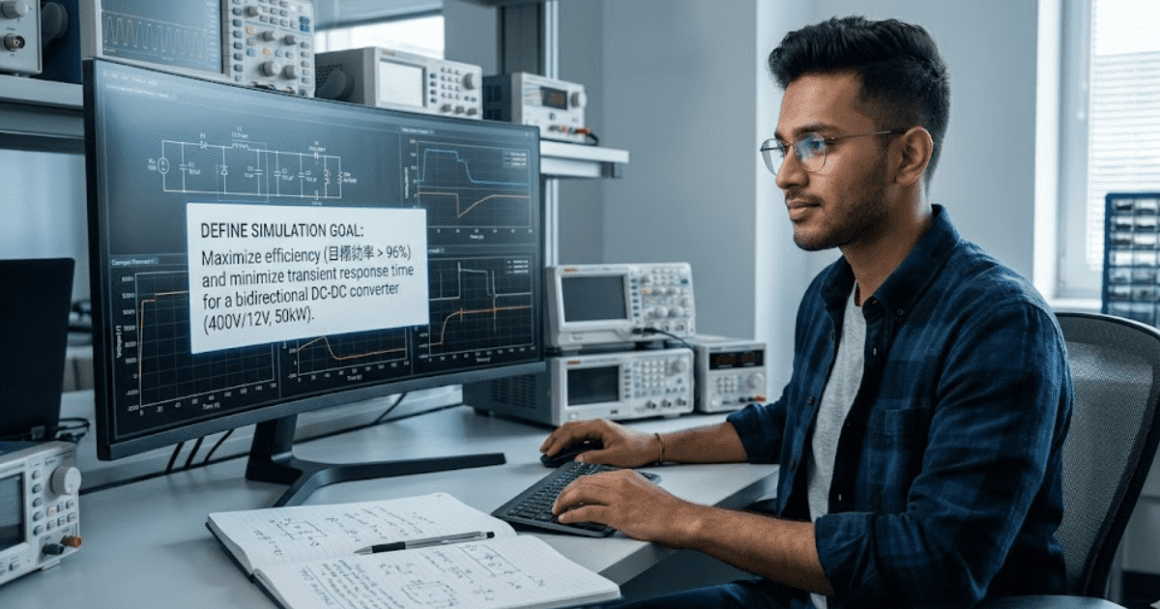
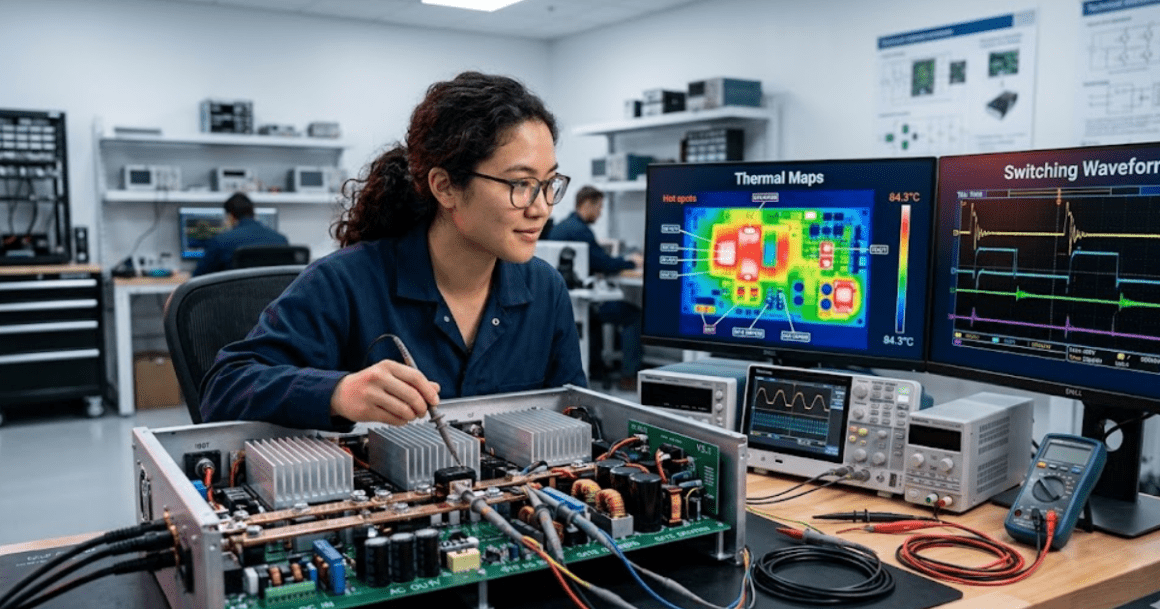
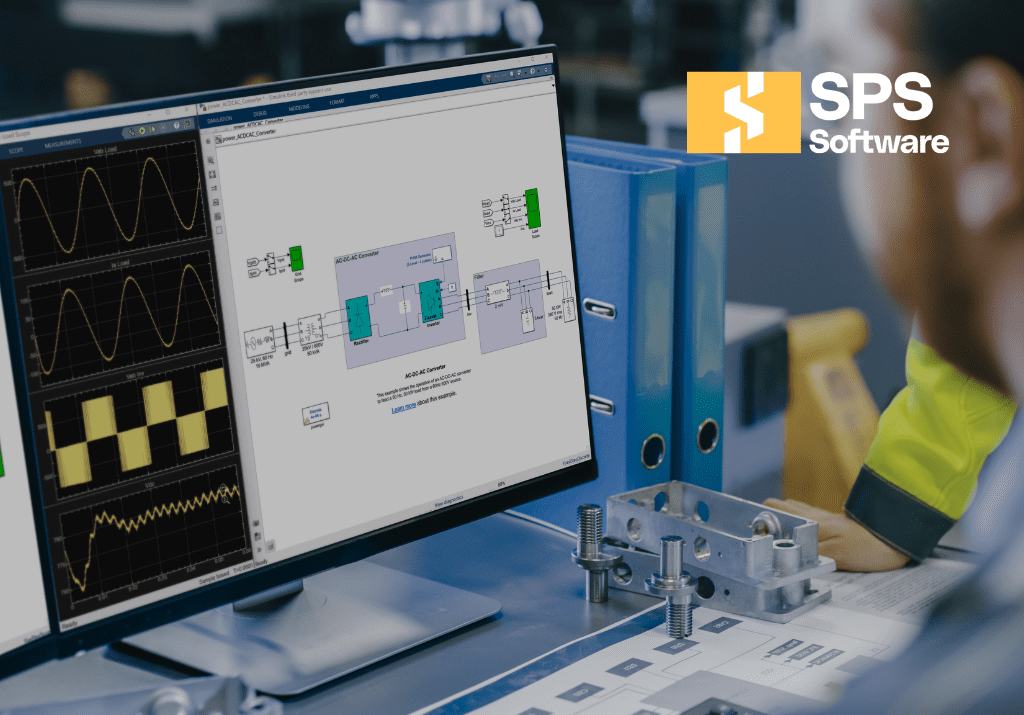
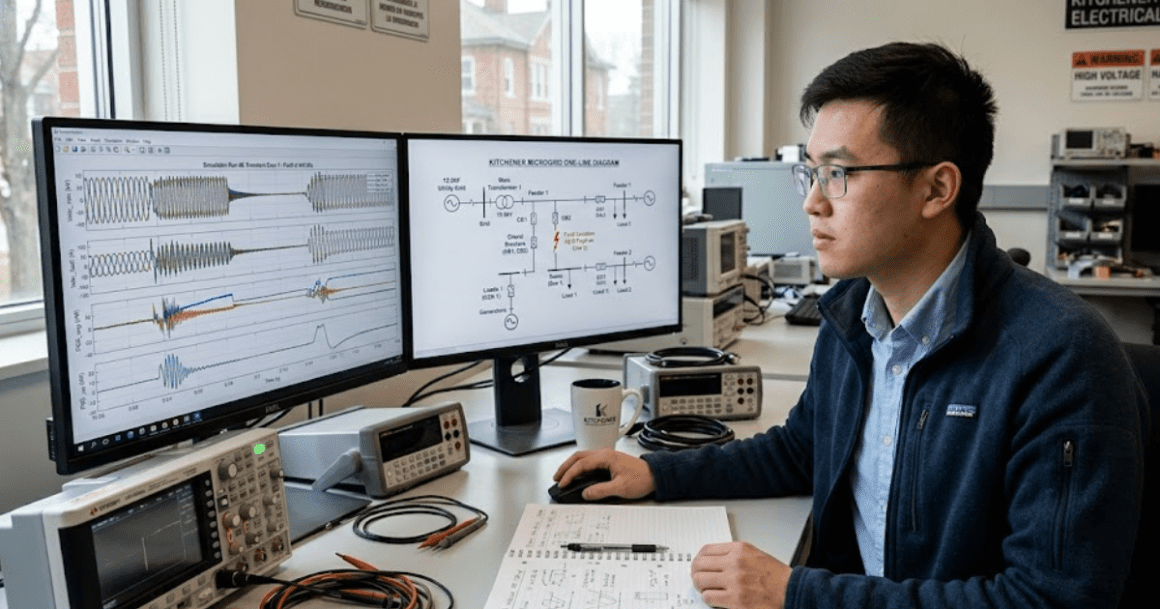

Perfect for undergrads or grad students learning power systems and electronics through coursework or thesis projects.
15 day free trial
Full SPS Software access for personal student use
Node-locked subscription licence options for personal student use
Non-commercial use only
Requires valid university email for activation
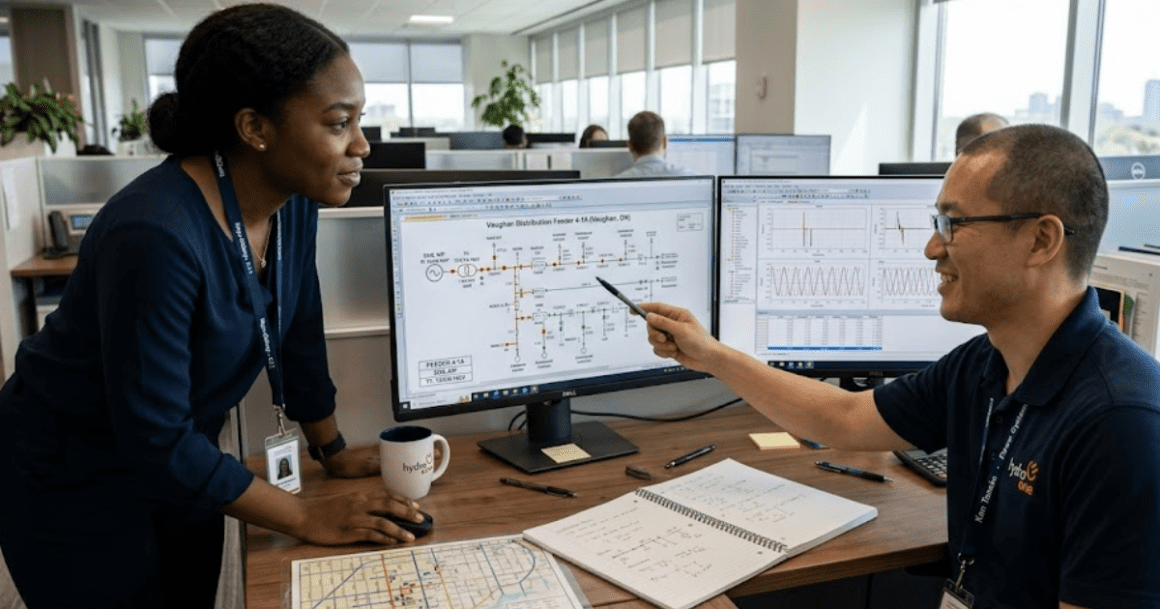
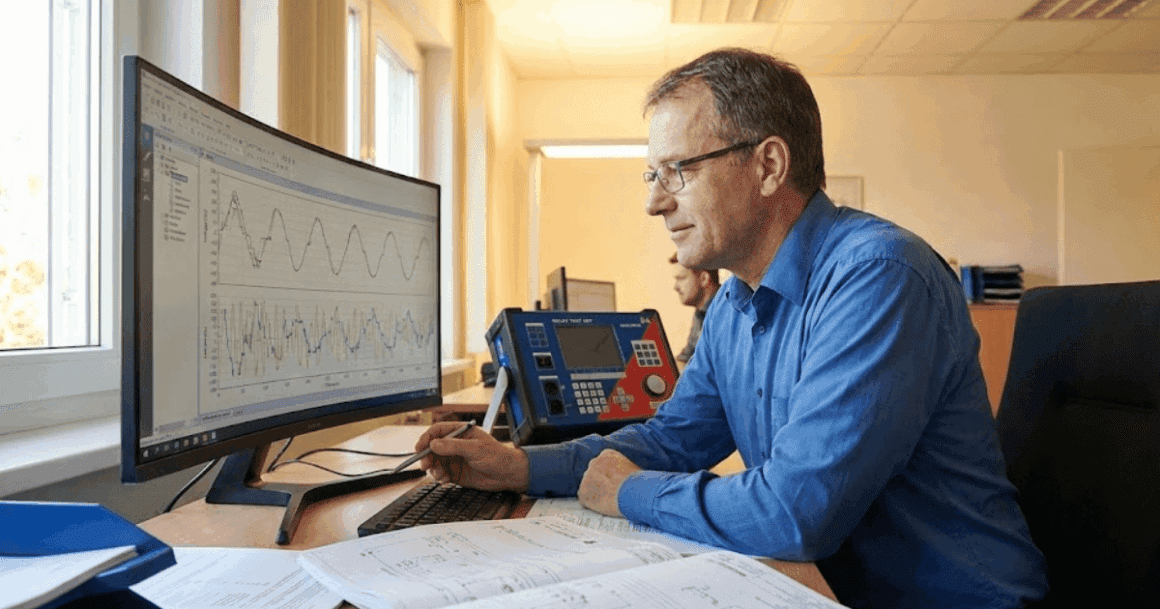
Designed for faculty, teaching labs, and research teams conducting non-commercial academic work.
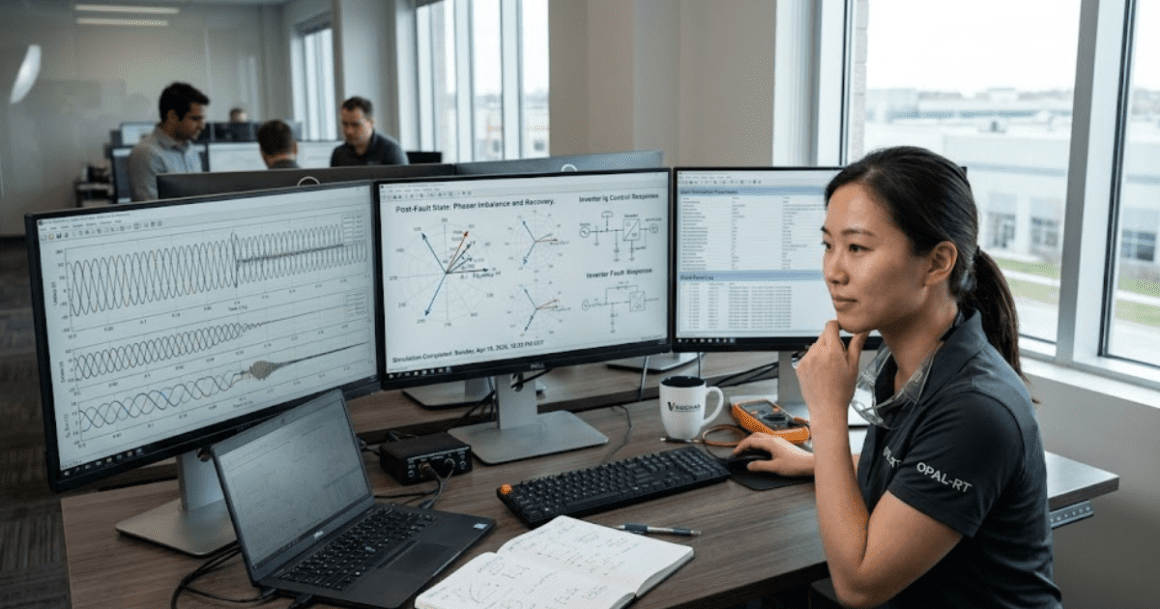
Best for engineers, companies, and teams using SPS Software for commercial design and validation projects.
SPS Software (formerly SimPowerSystems) was originally developed over 30 years ago by Hydro-Québec’s research institute(IREQ) and became a foundational MATLAB/Simulink toolbox for offline power system simulation. SmartPowerSimulation Software (OPAL-RT) is the next evolution of this technology, preserving its legacy while introducing the foundation for future enhancements. New demo models and blocks will be introduced progressively as part of OPAL-RT’s roadmap for continuous innovation.
Yes! Previously created models will work with no to minimal effort as long as you install the SPS Software and have the appropriate license.
No. The same blocks you know and use will still exist; they are simply relocated to the SPS software library. Your workflow remains unchanged.
Clients with an active MathWorks maintenance contract may submit a copy to OPAL-RT for review. Subject to verification, OPAL-RT may honour existing commitments related to SPS Software license maintenance. OPAL-RT reserves the right to validate all submitted documentation. For assistance with licensing and downloading the software, you can use our AI-powered chatbot Lisa (bubble bottom right corner), who will guide you through the process and connect you with an OPAL-RT team member if needed.
OPAL-RT SPS Software will ensure compatibility with your existing models. You simply need to install the SPS Software and obtain the required license. For assistance with licensing and downloading the software, you can use our AI-powered chatbot Lisa (bubble bottom right corner), who will guide you through the process and connect you with an OPAL-RT team member if needed.
No. OPAL-RT not only guarantees uninterrupted support and continuity for all existing users, but will also strive to maintain and further develop the toolbox. You can continue using your models without disruption, provided you install the SPS Software and have the appropriate license.
OPAL-RT’s support and services are highly recognized worldwide, ensuring you receive expert assistance and resources whenever needed. Users will have access to OPAL-RT’s new support portal, AI-powered chatbots for quick answers (bubble bottom right corner), dedicated support engineers for complex issues, comprehensive documentation, example models, and learning materials.
If you have an active MathWorks® license or plan to renew it, OPAL-RT recommends contacting us first to discuss transfer or renewal options. This ensures you receive full access to our advanced tools and dedicated support. If you choose to remain exclusively under your MathWorks® license, you must contact MathWorks directly for assistance. Please note that OPAL-RT support applies only to SPS Software starting with MATLAB R2025b.
Many models created with earlier versions can be opened and updated with minimal effort. Version specifics and custom blocks may require adjustments, which our team can help you assess. We can also suggest patterns that improve performance and keep models portable to HIL. Share a sample, and we will outline a plan with clear steps.
Currently, you need to contact the OPAL-RT team at https://smartpowersimulationsoftware.com/home/contact/ to obtain your license.
To download SPS software, please visit https://smartpowersimulationsoftware.com/download/.
For a quick and convenient process, you can also ask our AI-powered chatbot Lisa (bubble bottom right corner) to connect you with an OPAL-RT team member.